Conseils
Nusuk 2026: create your account and book the Rawdah
Almanasiq Editorial Team · Published 2026-09-01
To pray in the Rawdah, obtain a permit through the official Nusuk service. This guide explains the app route for international visitors: register with the exact details on your passport and visa, then select the relevant men’s or women’s Rawdah service and an available appointment. The Ministry’s current service page also lists the Nusuk website as an official channel.
To pray in the Rawdah, obtain a permit through the official Nusuk service. This guide explains the app route for international visitors: register with the exact details on your passport and visa, then select the relevant men’s or women’s Rawdah service and an available appointment. The Ministry’s current service page also lists the Nusuk website as an official channel.
What to prepare before creating your account
Install the app published by the Ministry of Hajj and Umra from your official app store. Have the passport you will travel on, visa number, date of birth, an accessible email address and a phone number able to receive verification messages ready. The official visitor guide allows registration after visa issuance or after arrival.
Copy names, numbers and dates accurately, without translating or shortening them. A mismatch between your account and travel document can prevent the system from recognising your record. Do not use a relative’s account as a shared identity. Whether you depart from Europe, the UK, Canada or the US, use your actual travel-document details; departure country does not determine your nationality.
Create a visitor account, step by step
- Open Nusuk and choose the account-registration option.
- Select the profile for a visitor arriving from outside Saudi Arabia, where offered.
- Enter your passport and visa details exactly as requested.
- Verify your email address or phone number using the code you receive.
- Sign in and check your profile details before making a booking.
Labels may change after an update. Follow the current official service name rather than an old screenshot. If a website sign-in route requires credentials you do not have, use the official visitor app route or ask Nusuk support; do not enter invented Saudi identity details.
Book the Rawdah in Nusuk
In the permit services, select visiting or praying in Al-Rawdah Al-Sharifiyah, then the relevant men’s or women’s option. Choose a day and time that fit your stay in Madinah. Read the date, time and beneficiary’s name carefully before confirming.
Use only official Nusuk channels. The Ministry’s service page checked on 2 September 2026 lists both the app and website; this is not permission to buy access from a third-party slot seller. Follow the time stated on your issued permit. A booking is more than a reminder: it allocates access within the available capacity.
After booking: what to save
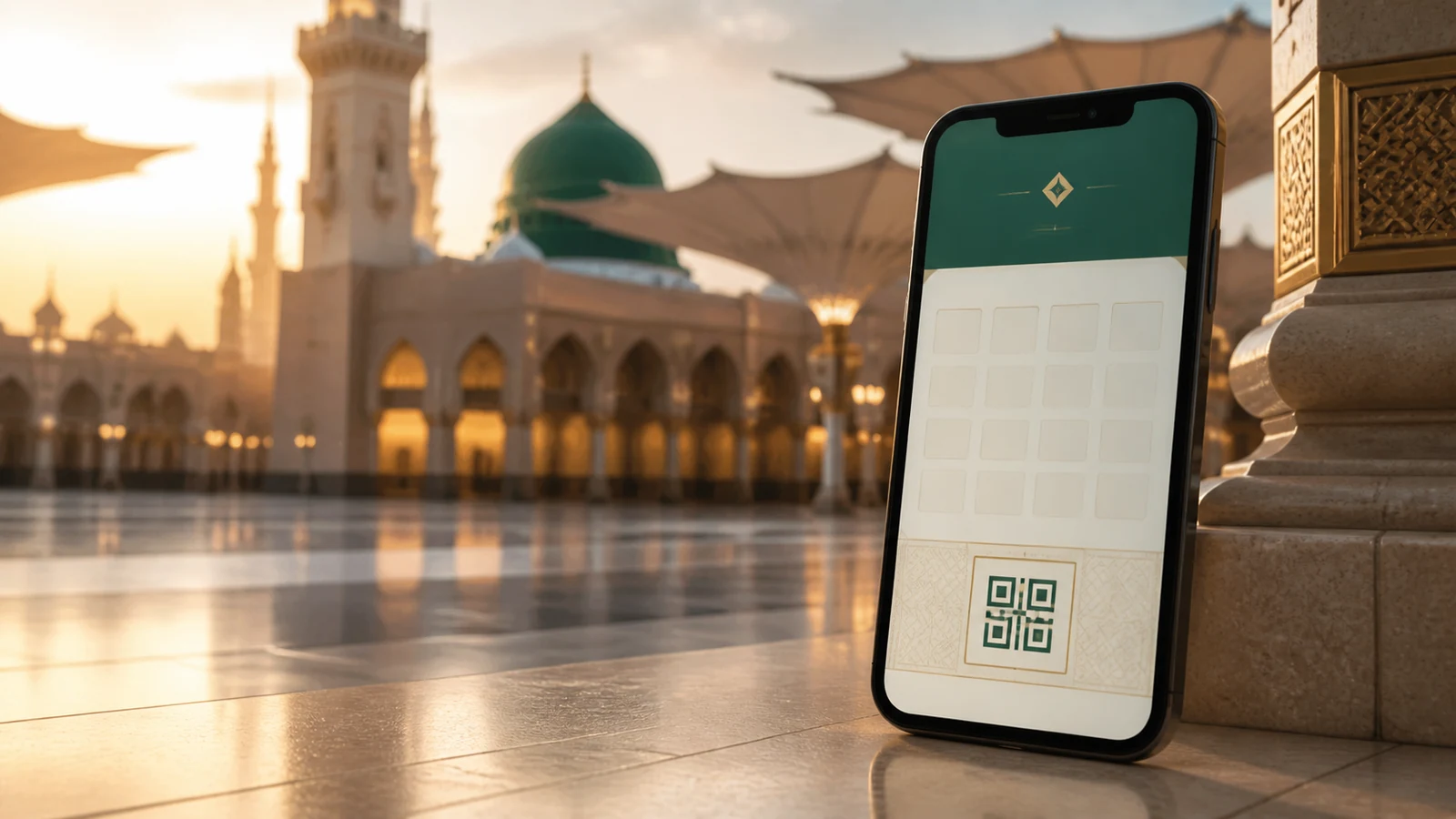
Find the permit in your bookings. Check its status and save a clear screenshot of the permit or code as a backup, while keeping the app available. Enable notifications and reopen Nusuk before your visit to check for changes or an attendance-confirmation instruction.
Never post the full screenshot in a group: its QR code and identity details are personal. Arrive at the indicated meeting or entry point with a reasonable margin, then follow current signs and staff instructions. Check the date format and the time shown on the permit carefully when planning from a different time zone.
Common problems and safe fixes
No verification code: check the international phone format, spam folder and email address before repeatedly requesting another code. Profile not found: compare every detail against your passport and visa. Unstable app: update it, restart your phone and try another trusted network. No appointment: this alone does not prove an account error; follow our guide to unavailable Rawdah slots.
Never buy a slot from a stranger. The official permit must be linked to the pilgrim’s identity.
Related reading: Nusuk Hajj: registration, packages, payments and support.
Frequently asked questions
Can I book the Rawdah without the Nusuk app?
Use official Nusuk channels. The Ministry’s current service page lists both the app and website. International visitors can follow the app registration route described here; website sign-in options may differ by profile.
Does each person need an account?
Each permit must match its beneficiary’s identity. Create and check individual profiles unless your version provides an official dependant-management option applicable to your situation.
Is a screenshot enough?
Keep it as a backup, but check that the permit is active in Nusuk and follow the instructions displayed for the day of your visit.
Sources
- Saudi Ministry of Hajj and Umrah — Umrah and Visit Guide — Visitor registration, permits and practical guidance.
- Saudi Ministry of Hajj and Umrah — Rawdah permit service — Official booking channels and permit issuance; checked on 2 September 2026.
- Google Play — Nusuk, Ministry of Hajj and Umra — Official app listing and publisher.
- Saudi Ministry of Hajj and Umrah — Hajj Handbook, UK edition — Rawdah permit guidance and conditional instant access, page 100.
FAQ
Can I book the Rawdah without the Nusuk app?
Use official Nusuk channels. The Ministry’s current service page lists both the app and website. International visitors can follow the app registration route described here; website sign-in options may differ by profile.
Does each person need an account?
Each permit must match its beneficiary’s identity. Create and check individual profiles unless your version provides an official dependant-management option applicable to your situation.
Is a screenshot enough?
Keep it as a backup, but check that the permit is active in Nusuk and follow the instructions displayed for the day of your visit.